
Ochiltree County Warrant Checks Are Court Specific
The county has no public master criminal-warrant portal. The Sheriff page links an InteropWeb inmate roster, while the issuing court holds the case status. Traffic matters may be with the JP or a city court, felony records route through the District Clerk, and misdemeanor files go to the County Clerk.
Pick a channel by case type. A clean roster search cannot settle a court question, and DPS/OmniBase covers reported citation FTA or FTP status rather than all warrants.
How to Search for an Ochiltree County Warrant
Read the court and cause number on the paperwork before using a public interface. The county-linked roster is organized around custody, not a countywide list of outstanding process. For a live answer, the Sheriff can address its service channel and the issuing court can confirm the court record.
Keep your legal name, date of birth, citation or cause number, and approximate court date close at hand. Ask the clerk which office can confirm the status; seek legal advice from an attorney if the next step may involve appearing or posting bond.
- Open the Sheriff page and follow its inmate-roster link only for custody information.
- Call the court printed on a traffic or Class C citation.
- Use the District Clerk for felony files and the County Clerk for misdemeanor records.
- Call the Sheriff at (806) 435-8000 about service or custody status.
- Use DPS/OmniBase for reported citation FTA/FTP, then confirm with the reporting court.
Ochiltree County Warrant Roster Fields
The roster filter is optional. The interface does not expose the broad set of court, status, and warrant-number controls a master search would need. Its tabs separate custody views, and pagination moves through the displayed entries.
Do not assume exact or partial-name behavior from the visible field alone. If a name does not appear, contact the office that owns the underlying case.
County contact and record-routing page
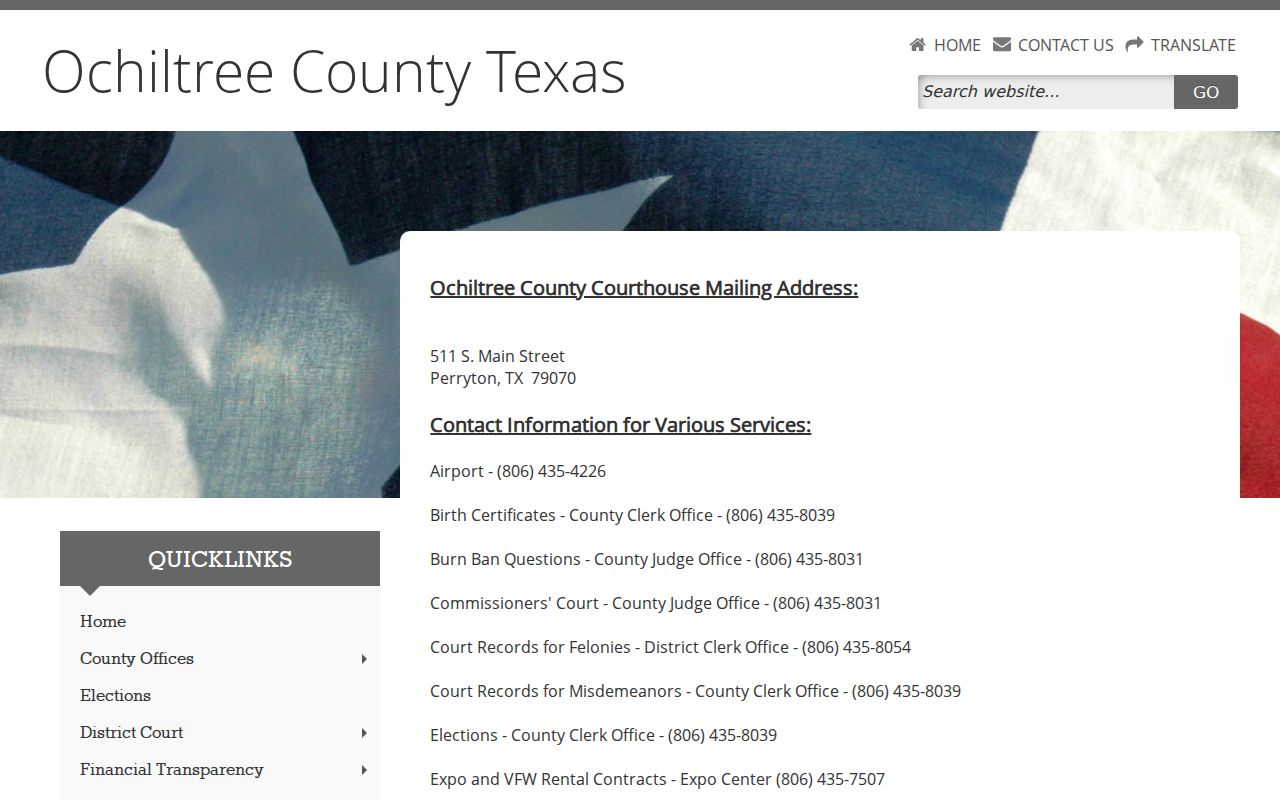
The county service map points readers to the proper clerk or JP office.
Ochiltree County Warrant Search Fields
The county-linked interface labels three views: Current Inmates, 24 Hours Arrests, and Inmates by Arrest Date. “Filter By Inmate Name (Optional)” is a text control, followed by Search Inmates and page navigation. The source does not document how name matching works.
| Field Label | Type | Required | Notes |
|---|---|---|---|
| Current Inmates | Tab | No | Current custody view. |
| 24 Hours Arrests | Tab | No | Recent arrest view. |
| Inmates by Arrest Date | Tab | No | Date-oriented custody view. |
| Filter By Inmate Name | Text | No | Optional; match rules are not documented. |
| Search Inmates / page controls | Button and pagination | No | Runs the filter and moves through result pages. |
Ochiltree County Warrant Numbers Are Not Decoded
The roster displays a “Warrant#” column but does not publish a format guide. It also shows counts, statute, description, a classification marker, and bond fields. These labels describe an arrest or booking entry, not the full judicial history.
No local search control for cause number, issuing court, or warrant status was documented. Ask the clerk for the correct case number and exact process name.
What a Warrant Search Returns
The roster’s visible record is built around arrest and custody details. It may show a bond total and warrant number after an arrest, but it does not provide a local legend for active, served, recalled, or quashed status. Read the court and case details from official paperwork before acting.
| Warrant number | Local format not published |
|---|---|
| Counts, statute, description | Booking labels; confirm the charge in the court file. |
| Arrest date and agency | Custody event fields, not the warrant issue date or issuer. |
| Total bond / bond amount | Displayed booking data, not a county bond schedule. |
| Status | No local status-code legend appears in the reviewed interface. |
Ochiltree County Clerk Search Limits
The County Clerk says staff will not conduct searches that are not authorized by statute and does not guarantee search correctness. Its online-record page describes indexed public documents and copy charges, not a live warrant-confirmation service.
Request a known document or case record. For a current warrant question, contact the issuing court or Sheriff instead of asking a clerk to search every file by name.
County Clerk records information
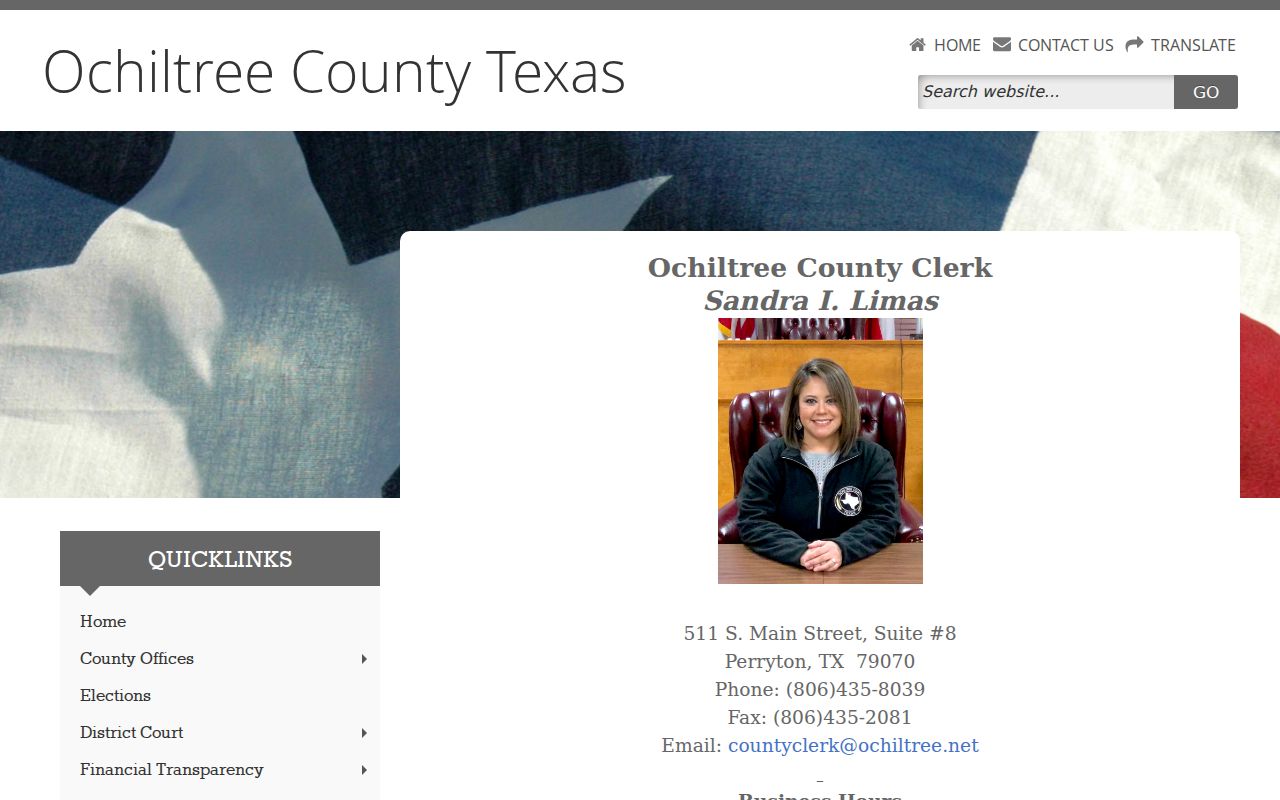
The County Clerk page explains its specific record-search boundary and online-copy route.
Where Ochiltree County Warrants Are Checked
Use the JP office for county traffic, Class C, and justice-court questions. Perryton and Booker municipal matters go to the city court through City Hall. Felony files route to the District Clerk; the County Clerk handles the county misdemeanor record route.
The Sheriff’s number is (806) 435-8000, but no dedicated warrant unit or line is published. DPS/OmniBase at 800-686-0570 is for reported citation FTA/FTP. DPS staff cannot say whether a person has a warrant.
Ochiltree County Warrant Call Checklist
When calling, ask which court issued the process, whether it remains active, what type it is, whether a bond or appearance is required, and how the court records a recall or clearance. Keep the name, date of birth, case number, and relevant citation date ready.
For a traffic report at DPS, ask which court sent it. A later status change can take up to seven business days after that court transmits clearance.
Access and Restricted Warrants
The Texas Public Information Act provides access to existing government information subject to exceptions. Sealed affidavits, juvenile arrest warrants, and some law-enforcement material may be withheld. The Sheriff’s roster also is not presented as a complete list of pending process.
State access statutes:
Texas Code of Criminal Procedure Chapter 15 sets arrest-warrant requisites and access rules.
Texas Family Code §58.010 makes juvenile arrest-warrant records confidential, with limited exceptions.
Texas Government Code Chapter 552 allows withholding in specified law-enforcement and confidentiality cases.